Best hardware wallets 2026: comparing devices, security models and prices
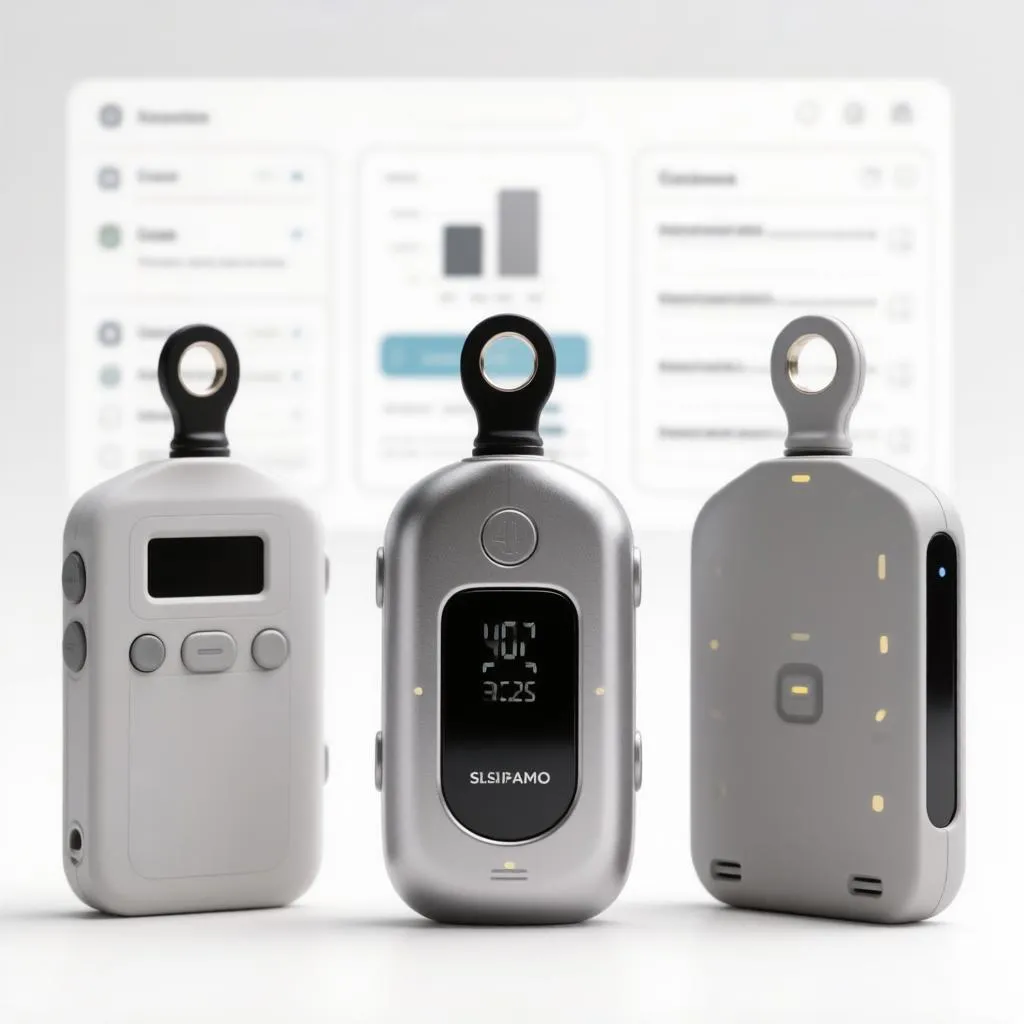
A hardware wallet is the least glamorous purchase in crypto and the most decisive one. Software mistakes — a phishing approval, a malicious browser extension, a compromised phone — can drain a hot wallet in seconds; a hardware wallet survives all of them because the private keys never leave a dedicated device, no matter what the connected computer is infected with. By 2026 the category has matured considerably: secure elements are standard, open-source firmware is no longer the exception, and the leading devices have added features that earlier generations lacked — Bluetooth, mobile pairing, integrated staking, multi-wallet separation and air-gapped signing that requires no cable at all. Yet the market has also become more confusing, because the products no longer differ only on price and screen size. They differ on security philosophy: some vendors trust transparency and publish everything; others trust proprietary chips and their own audits; still others build for convenience and accept trade-offs that matter for large holdings. Choosing well means understanding which trade-offs you are actually accepting, and that is the purpose of what follows — a comparison of the devices that matter in 2026, anchored in how each one protects the seed phrase that is, in the end, the only thing being protected.
How a hardware wallet actually protects you
The principle behind every device in this category is the same: the private key is generated and stored inside a sealed chip, and transactions are signed inside that chip without the key ever touching the connected computer. What you see on your computer screen, however, is not what gets signed — and this is where hardware wallets earn their keep. A malicious website can show you a transaction that looks routine while the actual contract call drains your wallet; a hardware wallet with a genuine screen displays the real transaction on the device itself, and signing it requires a physical button press. The screen and the buttons are not conveniences — they are the trust boundary, and their quality defines the device.
The features that differentiate devices in practice:
- Secure element versus general-purpose chip. Premium devices store keys in a certified secure element — a chip designed to resist physical extraction attacks. Cheaper devices store keys in flash memory protected by firmware; this is adequate against remote attackers but weaker against sophisticated physical ones. For holdings of meaningful size, the secure element is the single most important hardware feature.
- Open-source versus proprietary firmware. Open source allows independent researchers to verify that the firmware does what it claims; proprietary firmware depends on the vendor’s own audit and stated intentions. Each philosophy has defenders, and the split has real consequences discussed below — but for most users, transparency is the safer default, provided the open-source project has an active maintenance history.
- Seed phrase handling. Some devices generate and display the recovery phrase on their own screen; others offer a redundant backup — a second chip or metal card sharing the same secret. Devices that never expose the full seed at once, even to the owner, eliminate an entire class of physical-theft and shoulder-surfing risk.
- Connectivity. USB-C is the universal default; Bluetooth enables mobile signing without cables; QR-code air-gapping enables fully offline signing for the paranoid. Each method carries its own attack surface, and the choice matters more for daily-active users than for cold-storage holders.
These four dimensions — chip, transparency, seed handling, connectivity — generate most of the differences between the products below, and the comparison is best read through them rather than through feature counts.
The devices compared
The table below covers the wallets with meaningful market presence in 2026, from budget options to the premium tier. Prices are approximate retail; street prices vary by region and promotions.
| Device | Price (approx.) | Secure element | Open source | Connectivity | Best suited for |
|---|---|---|---|---|---|
| Ledger Nano S Plus | $79 | Yes (certified) | No | USB-C | Budget cold storage, beginners |
| Ledger Nano X | $149 | Yes (certified) | No | USB-C, Bluetooth | Mobile users, moderate holdings |
| Ledger Stax | $399 | Yes (certified) | No | USB-C, Bluetooth, Qi | Convenience-focused large holders |
| Trezor Safe 3 | $79 | Partial (opt-in shield) | Yes | USB-C | Budget buyers wanting transparency |
| Trezor Safe 5 | $169 | Yes (EIP-201 certified) | Yes | USB-C, touch, color screen | Privacy-minded everyday users |
| Trezor Model T (legacy) | $219 | No | Yes | USB-C | Existing users; superseded by Safe 5 |
| BitBox02 | $150 | Yes | Yes | USB-C | Minimalist European design, good multisig support |
| COLDCARD Mk4 | $148 | Dual secure elements | Yes (partially) | USB, air-gapped | Bitcoin-only maximum security |
| Keystone 3 Pro | $169 | Yes | Partial | QR air-gap, USB | Mobile-first self-custody, multisig |
| NGRAVE Zero | $398 | Yes (EAL7-class) | Partial | QR air-gap only | Maximum-security, screen-based verification |
Reading the table by row rather than by column reveals the market’s shape. The budget tier — Nano S Plus and Safe 3 at $79 — delivers genuine security for modest holdings, differing mainly on the transparency question and on build quality. The mid tier, from $150–170, is where most serious users land: Safe 5, BitBox02 and Keystone 3 Pro each represent a coherent philosophy executed well. The premium tier — Stax, NGRAVE Zero — buys a better screen, better build and specific capabilities, and is justified mainly by holdings size or by particular security requirements rather than by a categorical security advantage.
Ledger: the ecosystem play
Ledger remains the market’s volume leader, and its approach is consistent across the product line: certified secure elements, proprietary firmware, and a heavily integrated software ecosystem — Ledger Live — that handles staking, swapping and account management from one interface. The company’s 2023 data breach, which exposed customer contact details but not keys, prompted a security redesign and the launch of the Recovery service — a feature that splits and encrypts the seed phrase across custodians for recovery purposes. That feature divides opinion sharply: it is genuinely useful for users who fear losing their seed, and genuinely objectionable to users who believe keys should never leave the device in any form. Ledger’s counterargument is that the opt-in design and the secure element’s attestation make the risk negligible; the open-source community’s counterargument is that the mechanism requires trusting Ledger’s implementation, which cannot be independently verified end to end.
Practically, the products themselves are excellent: the Nano S Plus is arguably the best value in the category, the Nano X remains the default for Bluetooth mobile signing, and the Stax’s e-ink touchscreen is the most pleasant signing experience available on any device. The firmware objection is the only significant one — and for users who accept Ledger’s philosophy, it is not a blocking one.
Trezor: the transparency standard
Trezor’s entire identity is built on openness: open-source hardware schematics, open-source firmware, and a design that assumes users want to verify rather than trust. The Safe 5 — the company’s current flagship — adds a color touchscreen, haptic feedback and an optional secure element shield (a PIN-protection chip layered over the storage), addressing the historical criticism that Trezor’s earlier devices lacked hardware key protection. The openness argument is straightforward: in a category where the vendor’s firmware is the last line of defense, independent verifiability is worth more than any proprietary feature — and Trezor’s long, public, incident-free firmware history supports the argument.
The trade-offs are equally clear: the company’s recovery model, which historically relied on Shamir backup (SLIP-39) rather than vendor-managed recovery, is less convenient than Ledger’s integrated service; its ecosystem is less polished than Ledger Live; and the Secure 3’s entry-level protection requires the optional shield chip that some configurations omit. For users who prioritize verifiability — and who are willing to manage their own backup discipline — Trezor remains the reference standard.
The specialists: Bitcoin-only, air-gapped and multisig
Beyond the two majors, the specialist devices serve users whose requirements are narrower and more demanding. COLDCARD, Bitcoin-only by design, is built for maximum paranoia: dual secure elements, air-gapped operation through SD cards or QR codes, and a duress PIN that reveals a decoy wallet under coercion. Keystone 3 Pro targets mobile-first self-custody with QR-based air-gapped signing and native multisig support, and its transparent security model has made it popular with the multi-wallet community. NGRAVE Zero occupies the extreme end: an EAL7-class certified chip, a fingerprint sensor, no wireless connectivity whatsoever, and signing via QR codes only — the most isolated device in the category, priced accordingly.
These devices matter less as competitors to Ledger and Trezor than as alternatives for users with specific requirements. A Bitcoin-only holder who never touches DeFi gains nothing from Ethereum support and gains much from COLDCARD’s focused design; a user planning a multisig setup across devices benefits from Keystone’s and Trezor’s native support for the workflow. The mainstream devices serve the mainstream use case; the specialists serve the edge cases, and serve them well.
Choosing by use case: the practical decision
The device decision follows from the portfolio and the usage pattern more than from any abstract ranking:
- Small to moderate holdings, first hardware wallet: Nano S Plus or Safe 3. Both deliver genuine security at the same price; the choice is between Ledger’s ecosystem polish and Trezor’s transparency.
- Moderate to large holdings, daily DeFi and staking: Safe 5, Nano X, or BitBox02. Each balances security with usable signing workflows; the differences come down to ecosystem preference and firmware philosophy.
- Large holdings, long-term cold storage: COLDCARD for Bitcoin, NGRAVE Zero for multi-chain, or Safe 5 paired with a second device in a multisig arrangement. At this tier, defense in depth — two devices, geographically separated seeds — matters more than any single device choice.
- Mobile-first, frequent signing: Nano X or Keystone 3 Pro. Bluetooth and QR-based signing respectively; both eliminate the cable friction that pushes users toward riskier shortcuts.
One universal recommendation applies across all tiers: buy hardware wallets only from the manufacturer directly or from an authorized reseller. Devices purchased through marketplaces and third parties have been subject to tampering — a risk that no on-device security can fully mitigate once the supply chain is compromised. The extra few dollars from buying direct is the cheapest insurance in the entire category.
Backup discipline: the part that outlives the device
The device itself is replaceable; the seed phrase is not — and the majority of permanent losses in self-custody come not from device failure but from backup failure. The disciplines that matter:
- Store the seed offline, on metal where possible. Paper degrades; metal seed plates survive fire and water. The upgrade from paper to steel costs $20–50 and eliminates the most common failure mode of long-term storage.
- Never digitize the seed. Photographs, cloud notes, password managers and chat messages have all been the source of catastrophic losses; a seed that has ever touched a networked device should be considered compromised and rotated.
- Verify recovery before funding. Wiping the device and restoring from the seed — before significant funds are entrusted — confirms that the backup actually works. The one-time cost of this test is measured in minutes; the cost of skipping it is measured in the portfolio.
- Consider multisig for large holdings. A two-of-three multisig across devices from different manufacturers eliminates any single device failure, any single vendor compromise and any single location disaster simultaneously — at the cost of a more demanding recovery procedure that must be rehearsed and documented.
These disciplines are vendor-independent: they apply identically to a $79 device and a $398 one, and they are, more than any hardware feature, what separates self-custody that survives from self-custody that does not.
Conclusion
The hardware wallet market in 2026 is not divided by capability — every serious device protects keys competently — but by philosophy. Ledger sells certified security wrapped in a polished ecosystem and proprietary firmware; Trezor sells verifiable transparency with an improving hardware stack; the specialists sell focused designs for users whose requirements outrun the mainstream. Prices have stabilized: genuine security starts at $79, serious daily-use devices cluster around $150–170, and the premium tier buys convenience and extreme isolation rather than categorical safety improvements.
For most users, the practical choice reduces to a single question: do you want the vendor you trust to be one whose code you can read, or one whose certification you can rely on? Both answers are defensible, both products execute well, and neither choice protects against the risk that actually destroys portfolios — the loss of the seed phrase, the compromise of the supply chain, or the impatience that pushes a user back to hot wallets for convenience. The device is the easy part. The disciplines around it — verified backup, direct purchase, offline storage, and the refusal to digitize twelve or twenty-four words — are what the purchase is actually for, and they are free. In a category where the hardware has matured and the habits have not, that imbalance remains the most valuable thing to know before spending any money at all.