Losing access to a crypto wallet feels like losing the keys to a safe that nobody else in the world can open. There is no customer support hotline that can verify your identity and reset a password, because there is no account to reset — only cryptographic keys that belong to you and you alone. The good news is that recovery is usually possible, and most cases of a “lost” wallet turn out to be recoverable in minutes. The bad news is that a handful of very common mistakes can turn a recoverable situation into a permanent loss. Knowing the difference before you ever need to recover anything is what separates a scare from a disaster.
What you actually need to restore a wallet
Before diving into the process, it helps to understand what a wallet really is. The application you see — the interface, the balance, the transaction history — is just a window. The real wallet is the set of private keys, and those keys are derived from your recovery information. So when people say they need to “recover a wallet,” what they are really doing is regenerating the same keys from a backup and loading them into an app again. Everything else, including the transaction history, reappears automatically once the address reconnects to the blockchain.
What counts as valid recovery information depends on the wallet type:
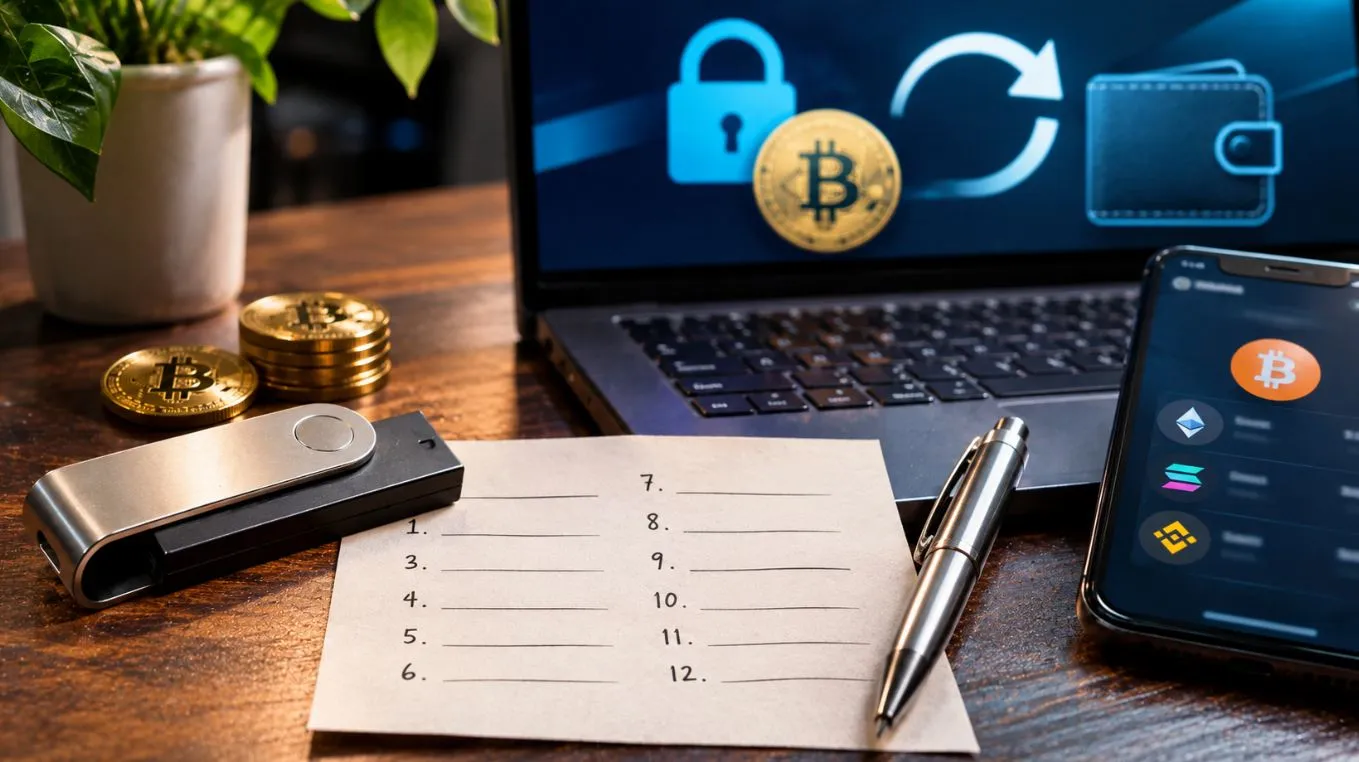
- A seed phrase of 12 or 24 words, the standard for most modern software and hardware wallets. A single phrase can restore many addresses across multiple accounts at once.
- A backup file such as a Keystore file or an encrypted database export, which some older and desktop wallets rely on.
- A private key in raw form, a long string of characters that controls exactly one address.
- A wallet account linked to an email or social login in certain custodial and smart wallets, where recovery is managed by a service rather than by a phrase.
If you have any one of these, your funds are almost certainly safe. If you have none of them and no access to the original device, the situation is far more serious, because without the keys there is nothing to recover — only forensic attempts at extracting data from a broken phone or an old computer.
Recovering from a seed phrase, step by step
The seed phrase is the master key, and the recovery procedure is deliberately simple. The sequence below works for most non-custodial wallets, whether on a phone, a browser extension or a hardware device.
- Get a clean, trusted wallet app. Download the software only from the official source, ideally from a bookmarked link rather than a search ad. Counterfeit wallet apps are one of the oldest traps in the ecosystem, and they specifically target people searching for “how to restore my wallet.”
- Choose the restore or import option, not the create option. Creating a new wallet will generate fresh keys and a new empty address, which is the single most confusing moment for people in a hurry.
- Enter the seed phrase exactly. Words must be spelled correctly, in the original order, usually lowercase. One wrong word or one swapped pair produces a completely different wallet with a zero balance.
- Set a new password or PIN. This is only the lock on the app itself, not the key to your funds, so forgetting it later is annoying but never fatal.
- Verify the restored addresses. Check that the balances and transaction history match what you remember. If the wallet appears empty, the most likely cause is a typo in the phrase or a mismatch between the derivation path and the wallet you originally used.
- Test with a small transaction before moving anything large, especially if you restored the phrase into a new app or a new device.
The whole process takes minutes. What makes it stressful is not the procedure but the stakes, which is why the verification steps matter more than the speed. A restored wallet with a typo in the phrase looks identical to a successful recovery — it simply shows a different, empty set of addresses.
When the wallet restores but shows no funds
This is the classic panic scenario: the phrase was accepted, the app is working, and the balance reads zero. In the overwhelming majority of cases the money is not gone — the wallet is simply looking at the wrong place. Recovery phrases can be interpreted by different wallets in slightly different ways, and a phrase generated in one app may need a specific derivation path or account index to surface the original addresses. Many wallets let you add or rescan multiple accounts under the same phrase, and the missing balance often appears after switching to the correct path or adding the next account. Entering the phrase in the original wallet app, if you remember which one created it, removes almost all of this ambiguity.
How the main backup formats compare
People often keep backups in different formats without realizing they behave differently when it matters. Choosing the right one to rely on is easier once the trade-offs are laid out.
| Backup type | Restores what | Main strength | Main weakness |
|---|---|---|---|
| 12-word seed phrase | All accounts derived from it | Universal, works in any compatible wallet | Useless if even one word is misspelled |
| 24-word seed phrase | All accounts derived from it | Same universality with a longer key | Larger phrase to write and store correctly |
| Keystore or backup file | The specific wallet it was exported from | Password-protected on its own | Tied to one app; file corrupts and gets lost easily |
| Raw private key | A single address only | Direct, minimal format | No account history context; easy to confuse with other strings |
| Cloud sync or social recovery | The wallet account tied to the login | Convenient, no phrase to lose | Depends entirely on the service staying alive |
The phrase formats win on portability, which is why they became the industry default. Files win on convenience but quietly die in drawers and broken hard drives. Many experienced users keep both: a phrase as the master backup and a file for day-to-day convenience, with the understanding that the phrase is the one that must never be lost.
Mistakes that turn a scare into a permanent loss
Most irreversible losses do not come from sophisticated attacks. They come from small, understandable errors made in moments of stress. Seeing them listed side by side makes each one easier to avoid.
- Storing the phrase digitally in notes apps, cloud documents, email drafts, password managers synced to the internet or chat messages. Any digital copy is one breach away from theft.
- Photographing the words, which creates the same exposure with the added bonus of appearing in backups and photo-sync services.
- Transcribing the phrase by hand during restoration in a way that omits a word, merges two words or corrupts a short word that could be several others.
- Entering the phrase into a website or app reached through a search result or an ad, which is the seed-phishing playbook in its purest form.
- Assuming the balance defines the wallet. An empty-looking restore usually means a typo or a wrong derivation path, not lost funds — panic leads people to try “recovery services” that are themselves scams.
- Sharing the phrase with anyone who offers help, including people posing as support staff. No legitimate service will ever ask for it.
- Relying on a single physical copy stored in one drawer, one wallet or one folder that can be lost in a fire, a flood or a house move.
Each of these mistakes shares a pattern: the backup existed, but in a form that was fragile, exposed or incomplete. The fix is not paranoia but redundancy with separation — several independent copies, none of them digital, none of them in the same physical place.
Where and how to store backups properly
A good storage setup balances two risks that pull in opposite directions: the risk of losing the backup and the risk of someone finding it. Writing the words on paper is the baseline, but paper fades, burns and absorbs moisture, so many users upgrade to stamped metal plates designed to survive fire and water. Whatever the medium, the storage logic matters more than the material.
- Keep at least two or three physical copies in separate, meaningful locations, such as a home safe and a trusted relative’s house or a bank deposit box.
- Never label a backup with anything that explains what it is; a stranger finding “seed phrase” written at the top is exactly the scenario to avoid.
- Store the phrase away from passwords and from any note that names the coins or the wallet app it belongs to.
- Consider splitting the phrase across locations only if you fully understand the scheme, because a split that is too aggressive becomes an unrecoverable puzzle.
- Test the backup once by restoring it into a clean wallet and then wiping that wallet, so you know the copy actually works before an emergency tests it for you.
A backup that has never been tested is a hypothesis, not a backup. The fifteen minutes it takes to verify it against a spare wallet is among the highest-value security work in all of crypto.
Special situations and what they mean for recovery
Not every recovery follows the standard phrase path. Hardware wallets follow the same word-based procedure but add a device-level verification step, and their security depends on buying from official channels rather than secondhand marketplaces where devices can be pre-tampered. Multisignature wallets are a different world entirely: recovery requires the required number of signer keys and, in many setups, configuration details that were recorded at creation. Losing one signer out of several is survivable; losing more than the threshold is not. And wallets that use passphrases on top of the seed phrase — sometimes called the twenty-fifth word — restore only when both the phrase and the exact passphrase are available, which quietly turns the passphrase into a second backup that is just as critical as the first.
Then there is the case where no backup exists at all. If the wallet still lives on a working device, exporting the phrase from the app’s security settings and immediately creating proper physical copies is the rescue. If the device is broken but not wiped, data recovery specialists may be able to extract wallet files from the storage, though this is expensive and never guaranteed. If the device is gone and no backup exists, the funds are mathematically unreachable — a fact worth internalizing, because it is the reason every other practice in this guide exists.
Building a recovery plan you will thank yourself for
Recovery stops being scary when it stops being improvised. A solid plan is short: one seed phrase per wallet, written on durable material in two or three separated copies, one tested restore performed on a spare device, one written note of which wallet app and derivation path created each phrase, and a rule that the words never touch a screen, a camera or a keyboard. Add an annual check to the calendar to confirm the copies still exist and are legible, and the plan is complete.
The deeper principle behind all of it is simple: in a self-custody system, you are the recovery department. Exchanges can reset passwords because they keep the keys; when you keep the keys, the backup plan is the difference between a temporarily inaccessible wallet and a permanent goodbye to your funds. Users who treat their seed phrase the way previous generations treated the deed to a house — copied, separated, tested and never discussed with strangers — rarely have stories to tell about lost crypto, and that silence is exactly the goal.